
Products · Prices · Buying guides
Sugargoo Spreadsheet
Find the product, compare its options, and plan the order from purchase to delivery.
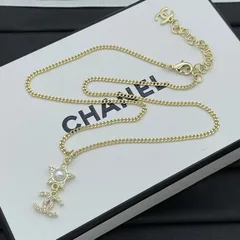
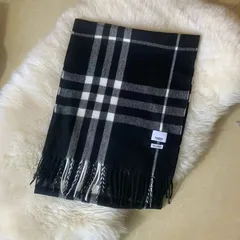
Browse product categories
What is Sugargoo, and how do you order?
Sugargoo is a purchasing and forwarding service for products from Chinese sellers. It helps organise buying, warehouse handling and the international parcel.
This independent spreadsheet brings together 2,429 product references, displayed USD prices and the corresponding Sugargoo purchase links. Use it to compare candidates; confirm the selected option and current charges on the platform before paying.
This is an independent product directory and buying guide. It is not the official Sugargoo website.
- Choose a product and its optionsUse the categories or search, then record the exact item, colour, size and quantity.
- Submit the order on SugargooOpen the product’s purchase link, confirm its options and the displayed charges, then pay the product order. Buying guide
- Review the warehouse QCCompare the received item with your saved selection. Resolve a discrepancy or request a useful view before sending it. QC guide
- Choose shipping and pay the freightSelect the items, packing and eligible route for your destination. Review the parcel quote and pay international shipping. Shipping guide
- Track the parcel and check deliveryFollow the carrier events and check the contents and condition when the parcel arrives. Tracking guide
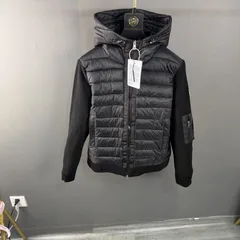
 Jackets & Coats
 Sweaters
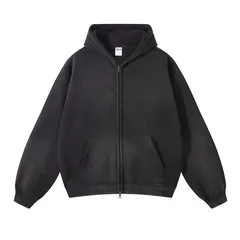
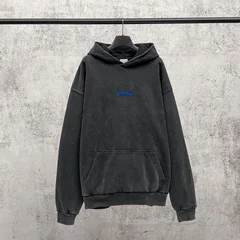 Hoodies & Sweatshirts
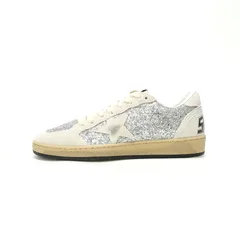 Shoes
Start with a product category
Think about the job the product needs to do. If you are looking for a bag to carry a particular laptop, an attractive exterior is only the beginning. The opening and internal compartment must accommodate the device, including its case if you use one. A model label or an outside dimension does not settle that question by itself.
Turn a find into a useful shortlist entry
For each promising item, save a short name, the destination address and the option you are considering. Record an observed price with its currency, rather than a bare number. Add one question that could change your choice, such as whether a strap is included or whether the compartment has a stated usable width.
Use the guide that answers your next question
For purchase-stage questions, check coupon conditions, payment methods and currency, unclear payment outcomes and parcel-protection terms. Reddit recommendations, service reviews and service legitimacy questions each need their own context. Use link-converter guidance when the address format is the problem.
What a useful spreadsheet entry contains
Give a collection a short practical trial before depending on it. You are deciding whether it deserves a place in your workflow, not trying to prove that every entry is accurate.
Test one complete shopping task
Pick something you actually need and try to find it in the collection. For a laptop bag, that means more than finding a picture with the right colour. Can you reach the product page, identify the version and work out which dimensions describe the compartment you intend to use?
Compare budget claims on the same basis
Here is an illustration, not a live offer: one row records 75 CNY for a bag, while another records 87 CNY including a stated 12 CNY domestic delivery charge. The second number does not establish that its item costs more. Neither total includes international delivery unless that scope is explicitly stated and applies to your shipment.
Choose a format you can keep using
When a collection passes these checks, use the buying tutorial to continue. For claims attached to recommendations, read how to interpret a spreadsheet review. Browse accessories through the catalog to put the selection criteria into practice, or return to the spreadsheet introduction.
A small, comparable shortlist
Begin with the columns you will actually use
Keep product name, destination, selected option, quantity and observed amount with its currency together. Add a short measurement or included-piece note when it changes the decision. You can expand the list when a real need appears.
Do not put passwords, payment documents or private order images into a collection intended for sharing. Those records belong separately from the product-discovery sheet.
Test readability on your phone
For a bag, a clear note such as “check usable laptop compartment” is easier to act on than a long unsorted paragraph mixed with prices and links. Preserve the details needed to answer it elsewhere in the same row or product record.
Use formulas only when the inputs are comparable
Payment guidance explains a conversion example, and shipping guidance separates the parcel cost lines. Use the best-spreadsheet criteria to judge a collection's usefulness rather than its software label.
Turn a find into a usable product record
Search for the feature that changes your choice
For a bag, the decisive feature might be a separate laptop compartment, a removable strap or an opening wide enough for the item you carry. These are more useful search notes than a vague promise of quality.
Make each saved find distinguishable
A small comparison can be enough. One bag might have a better documented compartment while another has an appealing exterior but no usable dimensions. That tells you what to ask next without declaring either item universally better.
Separate discovery from inspection
If a listing uses a photograph you have seen elsewhere, check the source and option instead of assuming a shared image means a shared product. Keep current acceptance and availability checks in the purchasing service rather than inferring them from inclusion in a collection.
Keep a reason for choosing the item
Before moving on, write a short reason such as “opening and compartment suit my device” or “included strap confirmed for this option”. Avoid filling the note with claims you have not checked.